Email alerts
+EV plays on your books · lines you follow
+EV plays
We email you when a bet on your books turns +EV.
On the +EV board, tap Email me +EV plays.
When a play on your books is +EV, we email you. Most days only a few.
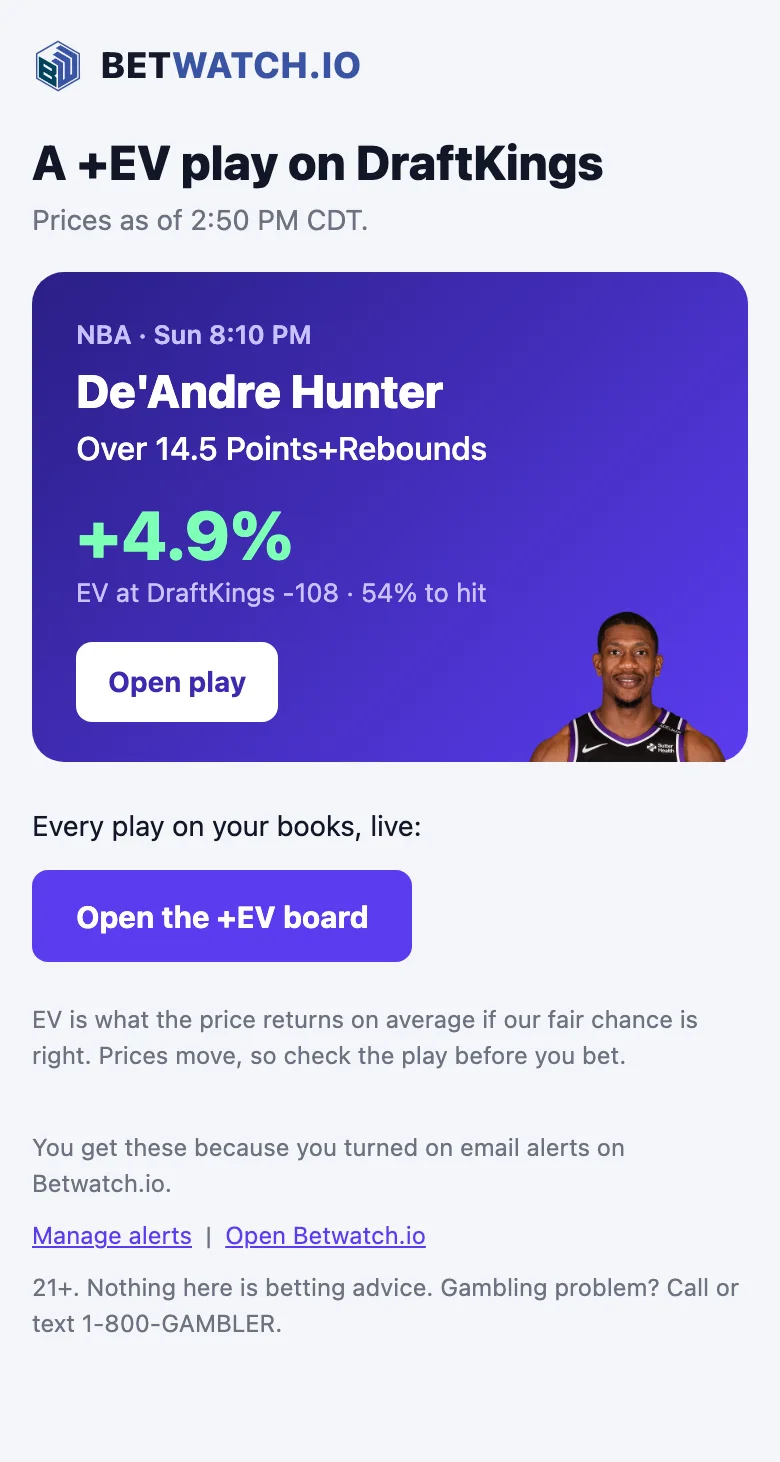
Tap Open play in the email and place the bet on your book.
- How often
- At most one email an hour, or one at 9 am
- Plays
- The best play, plus how many more are on the board. +400 or shorter
- Daily limit
- At most 5 emails a day unless you pick more, and none overnight.
- Cost
- Free with an account
Example email
A +EV play on BetParx
Line moves
We email you when a game line you follow moves.
On the Movement Tracker, tap Follow line on a game.
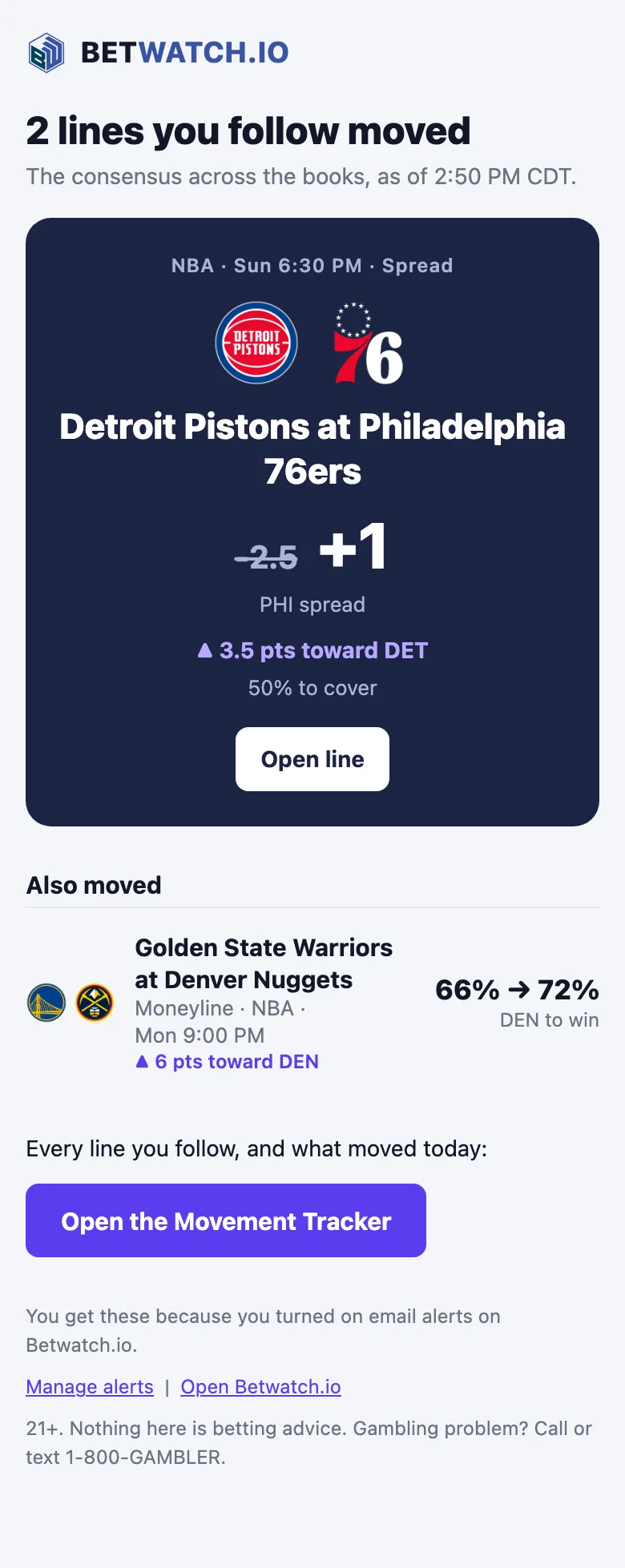
When the line moves, we email you the old and new number.
- Lines
- Up to 25, pregame only
- Move size
- 1%+ / 3%+ / 6%+ or your own
- How often
- At most one email every 30 minutes
- Daily limit
- At most 5 emails a day unless you pick more, and none overnight.
Example email
2 lines you follow moved
FAQ
Is it free?
Yes. Both alerts come with a free Betwatch account.
How many emails will I get?
Most days only a few plays qualify. "As they show up": at most one email an hour, which leads with the best play and says how many more are on your books. "Once a day": one email at 9 am, only on days with a play. A play is never emailed twice. At most 5 emails a day unless you pick more, and none overnight.
Which plays get emailed?
Plays on the books you use that are still +EV against the toughest book we compare them with, priced +400 or shorter, and starting more than 10 minutes from now.
Which books and leagues?
Every book on the +EV board: sportsbooks, pick'em apps like PrizePicks and Underdog, and prediction markets. Leagues: NFL, NBA, College football, NHL, MLB and WNBA.
How far does a line have to move?
You pick the smallest move that counts, in win chance: 1%, 3%, 6% or your own number from 0.5% to 25%. A spread or total moving 1 point counts as about 3%. You can follow up to 25 lines, pregame only, with at most one email every 30 minutes.
How do I stop them?
Turn the alert off in Account Preferences, any time.
Change or stop either alert any time in Account Preferences.